

Walk somewhere new today.
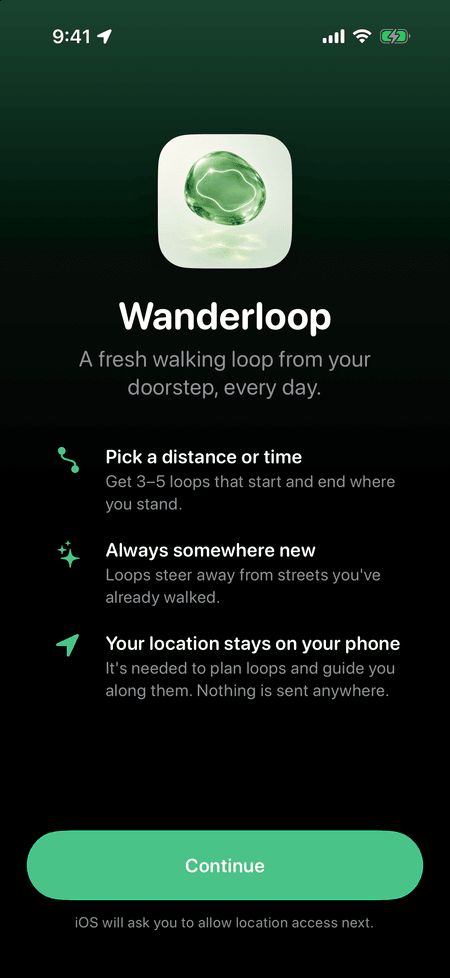
Wanderloop finds you a fresh walking loop from your door: pick how long you have, and it draws loops that start and end where you are, avoiding streets you’ve already walked.
How it works
-
Set the time
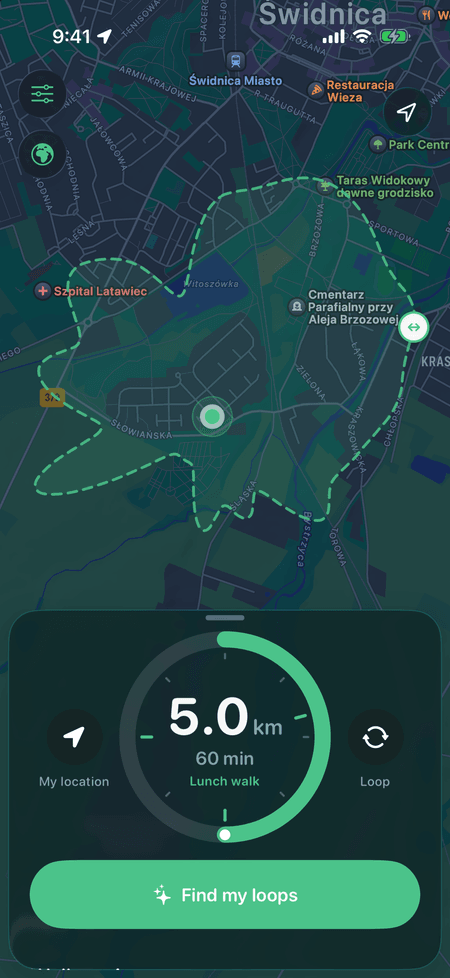
Turn the round dial to the time you have: a 25-minute stroll, a lunch walk, a long one. A dashed outline on the map shows how far you can really get on real paths.
-
Pick a loop
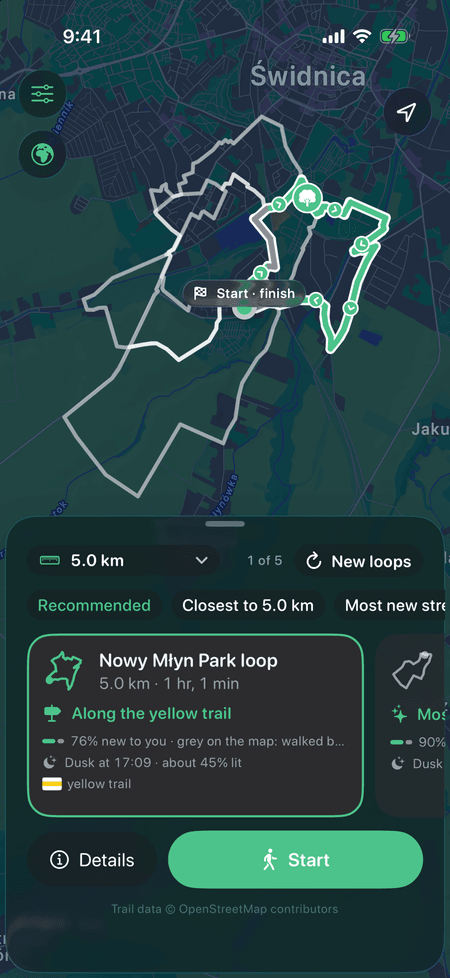
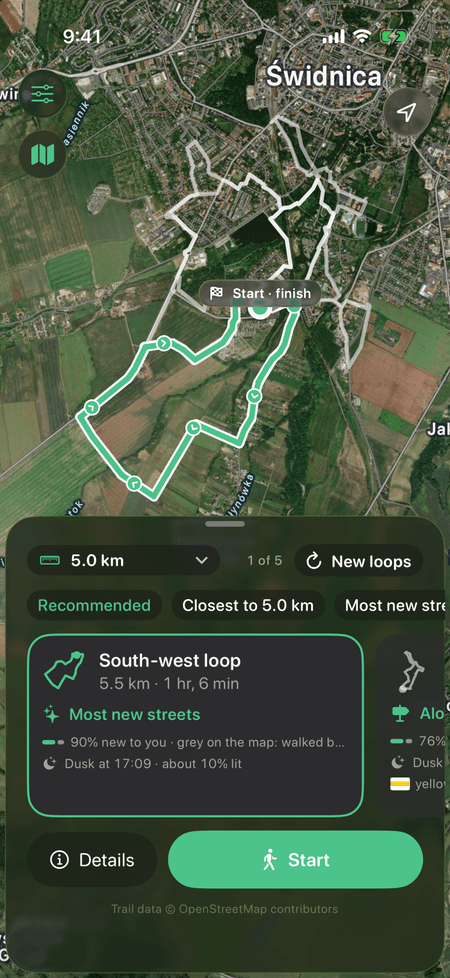
You get a few distinct loops, each with one reason to choose it: quietest, most greenery, most new streets, best lit, back before dark.
-
Walk it
Turn-by-turn guidance follows the loop itself. The next turn sits on your Lock Screen and in the Dynamic Island, so the phone can stay in your pocket.
New streets, every time
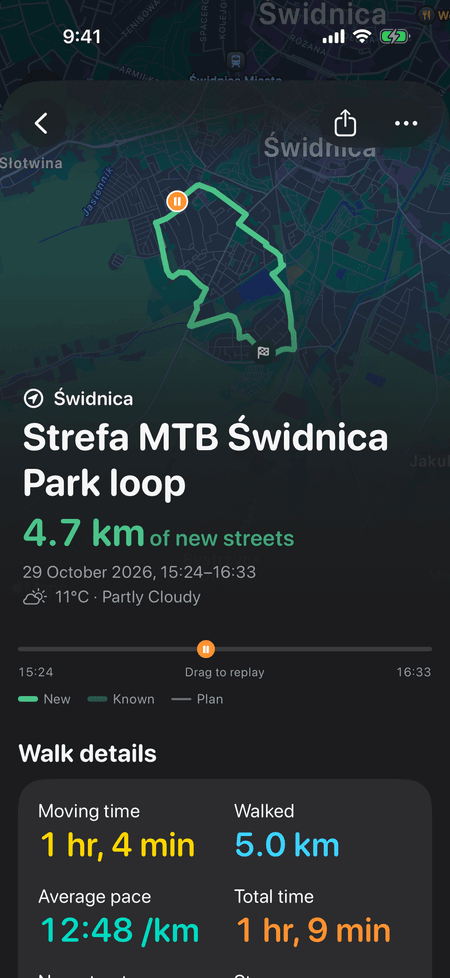
The selected loop is green where the streets are new to you and grey where you’ve walked before. After the walk you see the haul: new streets, the ones you walked for the first time ever, and how much of your area you’ve now covered.
4.7 km of new streets
- New to you
- Walked before
- Your area
- Świdnica: 12% → 14%
Streets collected, with ✦ on the ones you walked for the first time ever.
The little things
-
One reason per loop
“Quietest”, “Most greenery”, “Back before dark (16:45)”. Easy to tell apart, easy to choose.
-
Marked hiking trails
Loops can follow forest paths and waymarked trails from OpenStreetMap. Polish PTTK trails show as coloured badges.
-
Draw a road out
Draw a line across a road on the map and loops won’t cross it there.
-
Daylight check
If the walk would end after dusk, you’ll know: “Dusk at 16:45 · about 70% lit”, from real street-lighting data.
-
Live Activity
The next turn, the distance to it and what’s left, on the Lock Screen and in the Dynamic Island.
-
Weather on past walks
Each walk remembers the weather you had, from Apple Weather, and whether it got dark.
-
Share and export
Share a loop as a picture or a walk as a poster. Export GPX for Komoot, Strava and similar apps.
-
Apple Health
Optionally save walks as walking workouts with their route, so they show up in Fitness.
-
Siri and Shortcuts
“Find me a 5 km loop.” Wanderloop answers from Siri or a Shortcut.
Private by design
No account, no tracking, no ads. Your walks, history and preferences stay on your iPhone. The only things that leave it are map requests, and the trail-data request holds just a map area, nothing about you.
Questions
Does it work offline?
Planning a loop needs a connection. Once you’re walking, guidance keeps going with a weak signal, but the map itself needs data.
Why are loops sometimes on roads?
Forest paths and marked trails come from OpenStreetMap trail data, which currently covers only Poland. Elsewhere, loops follow Apple Maps walking directions, which stick mostly to streets. Make sure Settings › Hiking trails and paths is on.
How do I delete my data?
Delete walks and suggestions in Settings, or delete the app to remove everything. There’s nothing about you on any server.